
100 Days of DevOps — Day 1: Linux User Setup with Non-Interactive Shell
Today I kicked off my 100 Days of DevOps challenge with the KodeKloud Engineer program. The journey started with a fundamental Linux administration ta
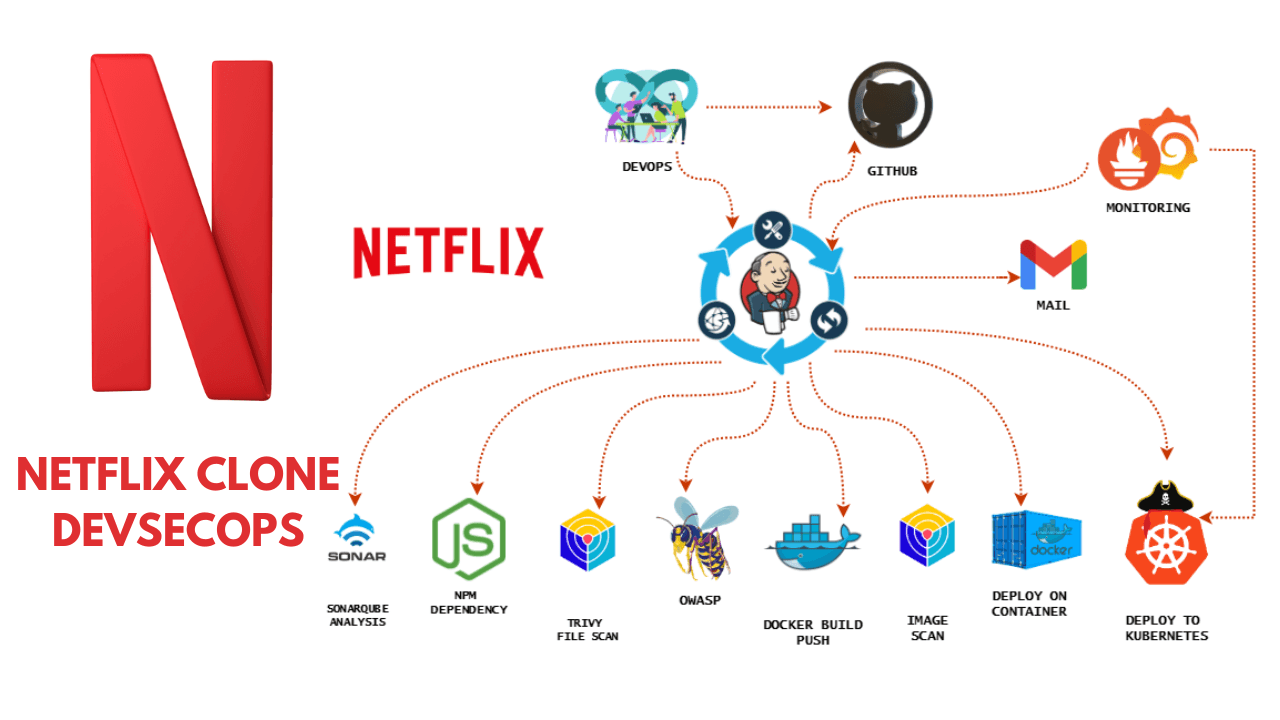
Hey! I’m Vishal Gurjar, a passionate DevOps Engineer skilled in automation, CI/CD, and cloud-native applications. 💡 Skilled in Docker, Kubernetes, Jenkins, AWS, GitHub Actions, and Linux. 🔨 Built real-world DevOps projects like Robot Shop & Netflix Clone with scalable pipelines. 📚 Documenting my journey through blogs/tutorials to help others learn faster. 🤝 Open to collaborations, freelancing, and exciting DevOps opportunities.
This kind of setup is often used when a user account is needed for system processes, automation, or service integration but should not have direct login access. It’s an important concept in DevOps and system security.

Task Description
At xFusionCorp Industries, the system admin team required me to:
Create a user named
ammarAssign the user a non-interactive shell
Perform this on App Server 3

Steps & Commands
Connect to App Server 3 and add password :
BigGr33nssh banner@stapp03.stratos.xfusioncorp.comCreate the user with a non-interactive shell
sudo useradd -s /sbin/nologin ammarHere:
useradd→ command to create a new user-s /sbin/nologin→ prevents the user from logging in interactively
Verify the user shell
grep ammar /etc/passwdOutput should look like this:
ammar:x:1001:1001::/home/ammar:/sbin/nologin
Challenges Faced
Remembering the difference between
/sbin/nologinand/bin/false.Making sure I was connected to the correct server (App Server 3) before running the command.
Lessons Learned
User management is one of the most important Linux admin skills for DevOps.
Using a non-interactive shell ensures security for accounts that exist only for processes, not real users.
Always double-check the server name before making changes in multi-server environments.
Conclusion
Day 1 taught me how even simple tasks like user creation play a huge role in system security and infrastructure management. This was a strong starting point for my DevOps journey.
👉 Next up: Day 2 – Temporary User Setup with Expiry