
SSH Key Generation on AWS EC2
Simple Steps to Create an RSA SSH Key Pair on Amazon Linux EC2
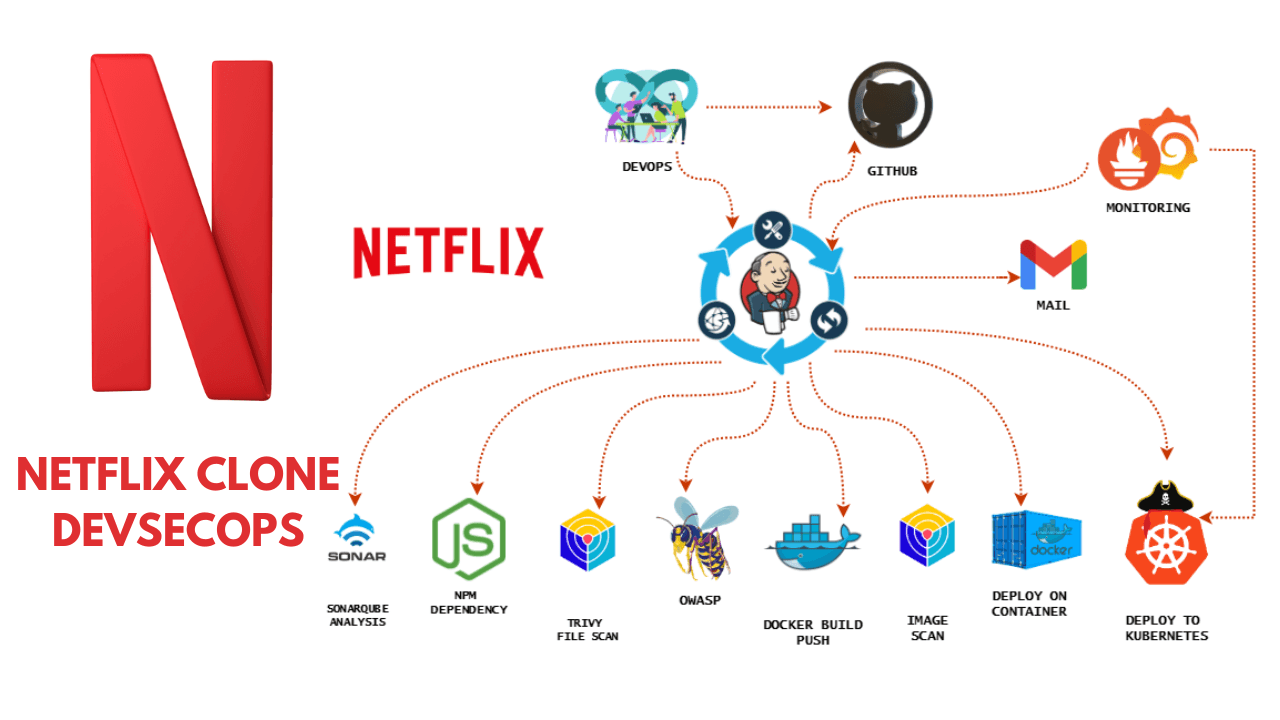
Hey! I’m Vishal Gurjar, a passionate DevOps Engineer skilled in automation, CI/CD, and cloud-native applications. 💡 Skilled in Docker, Kubernetes, Jenkins, AWS, GitHub Actions, and Linux. 🔨 Built real-world DevOps projects like Robot Shop & Netflix Clone with scalable pipelines. 📚 Documenting my journey through blogs/tutorials to help others learn faster. 🤝 Open to collaborations, freelancing, and exciting DevOps opportunities.
Task: Generate a New SSH Key on an AWS EC2
Instance Instance OS: Amazon Linux
Task Objective: Generate a new RSA SSH key pair inside the EC2 instance
Step-by-Step Commands:
SSH into the EC2 instance
ssh -i your-key.pem ec2-user@<ec2-public-ip>
Verify you are inside the EC2
whoami
Output: ec2-user
Generate a new SSH key pair
ssh-keygen -t rsa -b 4096 -C "new-key-inside-ec2"
When prompted:
- Press Enter to accept default file location - Press Enter twice for no pass
Sample Output:
❖ Generating public/private rsa key pair.
❖ Enter file in which to save the key (/home/ec2-user/.ssh/id_rsa): [Press Enter]
❖ Enter passphrase (empty for no passphrase): [Press Enter]
❖ Enter same passphrase again: [Press Enter]
❖ Your identification has been saved in /home/ec2-user/.ssh/id_rsa.
❖ Your public key has been saved in /home/ec2-user/.ssh/id_rsa.pub.
List and verify SSH key files
ls -l ~/.ssh/
Expected Output: -rw------- 1 ec2-user ec2-user 3243 Jun 26 09:15 id_rsa
-rw-r--r-- 1 ec2-user ec2-user 743 Jun 26 09:15 id_rsa.pub
(Optional) View the Public Key
cat ~/.ssh/id_rsa.pub
Task Status: Completed Successfully
New SSH key pair generated at:
Private key: /home/ec2-user/.ssh/id_rsa
Public key: /home/ec2-user/.ssh/id_rsa.pub